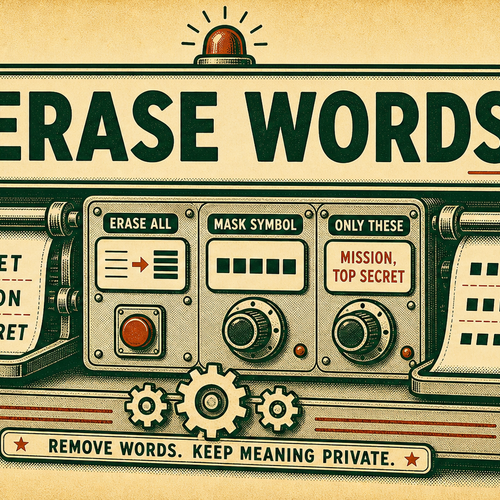
What is Erase Words from Text?
Erase Words from Text is a focused Word & Sentence Editing page for one practical plain-text transformation task. It opens the shared text transform engine directly in Erase Words from Text mode, so you can paste text, adjust the visible options, and copy the formatted output without choosing the mode manually first.
The page is useful when text needs a specific mechanical change before it moves into notes, documentation, spreadsheets, lessons, mockups, support replies, or development examples. It works with pasted text and returns a plain-text result that can be copied, downloaded as a .txt file, or reused as the next input.
This tool is intentionally mechanical. It does not write new content, check grammar, translate, store a history, upload files, or decide what your text should mean. It applies the selected Erase Words from Text settings to the input and shows the result for review.
Use Erase Words from Text when the text change is specific and repeatable. For broader cleanup, combine it with related tools such as Trim Text, Unwrap Lines, Split Text, Join Text, Line Tools, Text Cleaner, Find & Replace, Word Counter, and Character Counter.